Workato Alternatives for IT Decision-Makers in 2026
Workato Alternatives for IT Decision-Makers in 2026

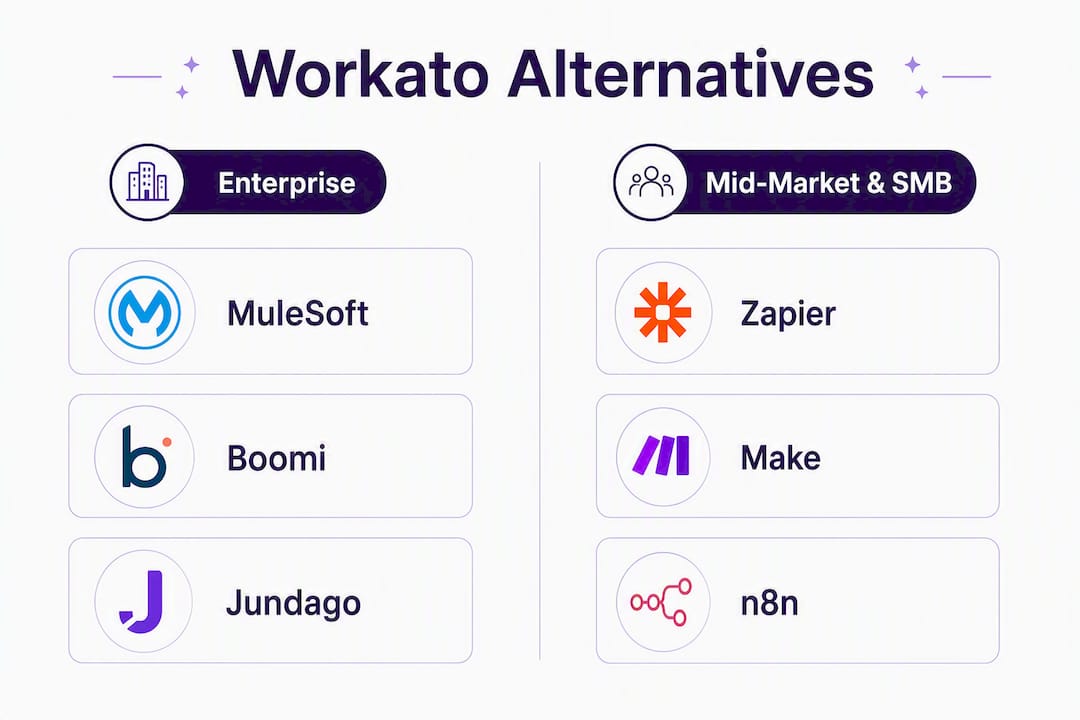
The best Workato alternative depends almost entirely on what Workato is failing to do for you. For regulated enterprises that need audited governance, RBAC/ABAC controls, and full API lifecycle management, Jundago is the recommended platform. For general enterprise iPaaS with deep connector libraries, MuleSoft or Boomi; for AI-native agent workflows, Tray.io. For developer-first flexibility, n8n or Pipedream. For lightweight visual automation at SMB scale, Zapier or Make.
Quick shortlist by use case:
- Jundago — API lifecycle governance for regulated enterprises (healthcare, finance, manufacturing); HIPAA, PCI DSS, RBAC/ABAC built in
- MuleSoft — enterprise API-led connectivity with Salesforce ecosystem depth
- Boomi — mid-market to enterprise iPaaS with strong ETL and broad connector coverage
- Celigo — app-to-app integration for mid-market teams, especially NetSuite-heavy stacks
- Tray.io — AI-native agent workflows and managed tool registries
- n8n — developer-first, self-hostable automation with full code access
- Make — visual, cost-effective workflow automation for SMB and mid-market
- Zapier — fastest no-code setup for simple cross-app triggers
- Microsoft Power Automate — Microsoft 365 shops that want native integration
- Automation Anywhere — RPA-led enterprise automation with AI co-pilot features
- Jitterbit — API management plus integration for mid-market and manufacturing
- Merge — unified API layer for SaaS product teams embedding integrations
- Pipedream — serverless, code-first automation for developers building event-driven pipelines
Table of Contents
- How do these Workato alternatives compare side by side?
- Detailed profiles: which platform actually fits your situation?
- How do you choose the right Workato alternative?
- Why regulated enterprises often move away from Workato
- What should you actually do next?
- Key Takeaways
- The integration platform market is more fragmented than vendors admit
- Jundago is built for what Workato was not designed to handle
- Useful sources for verification and next reading
How do these Workato alternatives compare side by side?
| Dimension | Jundago | MuleSoft | Boomi | Celigo | Tray.io | n8n | Make | Zapier | Power Automate | Automation Anywhere | Jitterbit | Merge | Pipedream |
|---|---|---|---|---|---|---|---|---|---|---|---|---|---|
| Best for | Regulated enterprise API lifecycle | Enterprise API-led connectivity | Mid-market to enterprise iPaaS | App-to-app (NetSuite focus) | AI-native agent workflows | Developer-first automation | Visual SMB/mid-market workflows | No-code cross-app triggers | Microsoft 365 integration | RPA + AI enterprise automation | API mgmt + mid-market integration | Unified API for SaaS products | Serverless developer pipelines |
| Target size | Mid to large enterprise | Large enterprise | Mid-market to enterprise | SMB to mid-market | Mid-market to enterprise | SMB to enterprise | SMB to mid-market | SMB to mid-market | SMB to enterprise | Enterprise | Mid-market to enterprise | SaaS product teams | Developer / startup to mid |
| Low-code vs developer-first | Both (AI-assisted + code) | Both | Low-code primary | Low-code | Low-code + AI agents | Developer-first | Low-code | Low-code | Low-code | Low-code + RPA scripting | Both | API-first | Developer-first |
| Deployment | Cloud, hybrid, on-prem (AWS, Azure, GCP, Oracle) | Cloud, hybrid, on-prem | Cloud, hybrid, on-prem | Cloud | Cloud | Cloud, self-hosted | Cloud | Cloud | Cloud, on-prem (gateway) | Cloud, on-prem | Cloud, hybrid | Cloud | Cloud |
| Governance & compliance | RBAC, ABAC, audit trails, HIPAA, PCI DSS, KYC/AML, IEC 62443 | RBAC, API policies, SOC 2 | RBAC, SOC 2, HIPAA | SOC 2, basic RBAC | SOC 2, RBAC | Basic (self-managed) | SOC 2 | SOC 2 | RBAC, Microsoft compliance stack | SOC 2, HIPAA, FedRAMP | SOC 2, HIPAA | SOC 2 | SOC 2 |
| Connector ecosystem | REST, GraphQL, gRPC, SOAP, EDI, DB, ETL/ELT | 1,000+ (Anypoint Exchange) | — | — (NetSuite deep) | — | — | 1,000+ apps | 7,000+ apps | 1,000+ | Enterprise systems + RPA bots | — | HRIS, ATS, CRM, accounting unified | 1,000+ event sources |
| Pricing model | Custom subscription | Custom (high ACV) | Subscription + usage | Subscription | Custom | Free self-host; cloud tiers | Usage-based | Task-based tiers | Per-user + flow tiers | Custom enterprise | Custom | Custom | Usage-based |
| Observability | Full lifecycle: debug, load test, audit logs | API analytics, runtime monitoring | Process reporting, alerting | Basic monitoring | Workflow logs | Execution logs | Execution history | Basic run history | Run history, alerts | Bot analytics | API analytics | Event logs, replay | |
| Professional services | Yes (enterprise onboarding) | Yes (SI partner ecosystem) | Yes (partner network) | Yes | Yes | Community + paid support | Community + paid | Community + paid | Microsoft partner ecosystem | Yes | Yes | Community |
Two trade-offs most buyers miss: First, self-hosting or VPC deployment is often the deciding factor for regulated industries, and only a handful of platforms on this list genuinely support it at the runtime level, not just as a marketing checkbox; second, connector count is a misleading metric. Zapier’s 7,000+ apps sounds impressive until you need a certified HIPAA-compliant connector with field-level audit logging, which narrows the field to three or four platforms.
Pro Tip: Before your first vendor call, write down your three most complex integration flows. If any involve regulated data (PHI, PCI, PII), a legacy on-prem system, or custom transformation logic, that list will eliminate half the shortlist before the demo starts.
Detailed profiles: which platform actually fits your situation?
Jundago
Jundago is built for regulated enterprises that need to generate, test, and govern APIs at scale, not just connect apps. Its AI-native approach covers the full lifecycle: REST, GraphQL, gRPC, and SOAP generation from natural language intent, automated testing and load testing, and governance enforced through Command Center across AWS, Azure, GCP, and Oracle Cloud.
| Fact | Detail |
|---|---|
| Deployment | Cloud, hybrid, on-prem (multi-cloud Command Center) |
| Compliance | HIPAA, PCI DSS, KYC/AML, IEC 62443, RBAC + ABAC |
| Integration types | API-to-API, DB-to-API, API-to-DB, EDI, ETL/ELT |
| Pricing model | Custom subscription by team size and compliance scope |
Strengths: AI-generated APIs from intent (REST, GraphQL, gRPC, SOAP); industry-specific compliance modules out of the box; RBAC and ABAC enforced at the platform level, not bolted on; full ETL/ELT integration studio alongside API lifecycle tools.
Weaknesses: Not the right fit for teams that need 7,000 pre-built no-code app connectors; pricing requires a custom conversation rather than a self-serve signup.
When to choose Jundago: Your organization operates in healthcare, finance, manufacturing, or another regulated sector. You need APIs that ship compliant by default, not compliant after a manual review cycle. You want a single platform covering generation, testing, governance, and multi-cloud deployment instead of stitching together four separate tools.
MuleSoft
MuleSoft’s Anypoint Platform is the benchmark for enterprise API-led connectivity. Its three-layer architecture (experience, process, system APIs) gives integration architects a structured methodology, and the Anypoint Exchange connector marketplace is one of the deepest in the industry. The trade-off is cost and complexity: MuleSoft carries one of the highest total cost of ownership figures in this category, and implementation typically requires certified MuleSoft developers or a system integrator.
| Fact | Detail |
|---|---|
| Deployment | Cloud, hybrid, on-prem |
| Compliance | SOC 2, HIPAA (with configuration), RBAC |
| Pricing model | Custom ACV; among the highest in the market |
Pros: Mature API management layer; massive SI partner ecosystem; strong Salesforce integration. Cons: High cost; steep learning curve; governance requires significant configuration effort.
When to choose MuleSoft: You are a large enterprise already invested in Salesforce and need a platform your SI partners know cold.
Boomi
Boomi sits in a practical middle ground: enterprise-grade enough for complex ETL and multi-system orchestration, accessible enough that a mid-market integration team can operate it without a dedicated platform engineering squad. Celigo and Boomi are often noted for bridging simple app-to-app integrations and complex enterprise-grade automation, which is a fair description. Boomi’s AtomSphere platform handles data quality, master data management, and API management alongside its core iPaaS capabilities.
| Fact | Detail |
|---|---|
| Deployment | Cloud, hybrid, on-prem (Atom runtime) |
| Compliance | SOC 2, HIPAA, FedRAMP (GovCloud) |
| Pricing model | Subscription + usage |
Pros: Strong ETL/ELT; broad connector library; good observability. Cons: UI feels dated compared to newer platforms; advanced features require higher-tier plans.
When to choose Boomi: Mid-market to enterprise teams that need solid ETL alongside app integration and want a proven platform without MuleSoft’s price tag.
Celigo
Celigo is purpose-built for app-to-app integration, particularly for companies running NetSuite as their ERP backbone. Its integration marketplace includes pre-built flows for common SaaS-to-SaaS scenarios, which cuts implementation time significantly for standard use cases. Outside the NetSuite ecosystem, its depth thins out.
| Fact | Detail |
|---|---|
| Deployment | Cloud |
| Compliance | SOC 2, basic RBAC |
| Pricing model | Subscription |
Pros: Fast time-to-value for NetSuite integrations; clean UI; good support. Cons: Limited governance depth; cloud-only; not suited for complex regulated data flows.
When to choose Celigo: You run NetSuite and need reliable SaaS-to-SaaS integrations without a large engineering team.
Tray.io
AI-native automation platforms are emerging as a distinct category that treats AI as first-class, not an add-on. Tray.io is the clearest example on this list: its Merlin AI agent builder lets teams compose multi-step AI workflows with managed tool registries, which is genuinely different from Workato’s recipe model. For teams building AI-driven process automation rather than traditional data pipelines, Tray.io deserves a serious look.
| Fact | Detail |
|---|---|
| Deployment | Cloud |
| Compliance | SOC 2, RBAC |
| Pricing model | Custom |
Pros: Best-in-class AI agent orchestration; flexible workflow logic; strong API connector support. Cons: Cloud-only limits regulated deployments; governance features are lighter than enterprise iPaaS.
When to choose Tray.io: Your primary use case is AI-native agent workflows, not traditional ETL or regulated data integration.
n8n
n8n’s Community Edition is free to self-host, which fundamentally changes the cost equation for high-execution scenarios. IT teams often prefer platforms with better code-level flexibility when building integrations that require custom logic beyond low-code recipes, and n8n delivers that: every node can be extended with JavaScript or Python, and the self-hosted model means your data never leaves your infrastructure.
| Fact | Detail |
|---|---|
| Deployment | Cloud, self-hosted |
| Compliance | Self-managed (SOC 2 on cloud tier) |
| Pricing model | Free self-host; cloud tiers usage-based |
Pros: True self-hosting; full code access; active open-source community; low TCO for high-volume flows. Cons: Governance and compliance are your responsibility on self-hosted; requires engineering capacity to operate.
When to choose n8n: Developer-led teams that need code-first flexibility, self-hosting for data residency, and are comfortable managing their own infrastructure.
Make (formerly Integromat)
Make is the visual automation tool that most mid-market teams reach for when Zapier’s task limits become painful. Its scenario builder is genuinely intuitive, its pricing is usage-based and predictable at moderate volumes, and it covers most common SaaS integrations well. It does not belong in a regulated enterprise stack, but for operations teams automating marketing, sales, or support workflows, it punches above its price point.
| Fact | Detail |
|---|---|
| Deployment | Cloud |
| Compliance | SOC 2 |
| Pricing model | Usage-based (operations/month) |
Pros: Visual and approachable; good value at mid-volume; strong community templates. Cons: No on-prem; limited governance; not built for complex data transformations.
When to choose Make: SMB or mid-market teams that need visual workflow automation without enterprise pricing.
Zapier
Zapier remains the fastest path from “I need to connect two apps” to a working automation. Its 7,000+ app library is unmatched for breadth, and its no-code interface means a non-technical team member can build a working Zap in under ten minutes. The ceiling arrives quickly: task-based pricing scales poorly at volume, and complex conditional logic or regulated data handling is not what Zapier was built for.
| Fact | Detail |
|---|---|
| Deployment | Cloud |
| Compliance | SOC 2 |
| Pricing model | Task-based tiers |
Pros: Largest app library; fastest setup; huge community. Cons: Expensive at scale; limited logic depth; no regulated data controls.
When to choose Zapier: Simple, high-breadth automation needs where speed of setup matters more than depth.
Microsoft Power Automate
Power Automate is the obvious choice for organizations already running Microsoft 365, Azure, and Dynamics. Its per-user and per-flow pricing is transparent, and its native connectors for Teams, SharePoint, and Dataverse are genuinely deep. Outside the Microsoft ecosystem, it loses its edge fast.
| Fact | Detail |
|---|---|
| Deployment | Cloud, on-prem (gateway) |
| Compliance | Microsoft compliance stack (HIPAA, FedRAMP) |
| Pricing model | Per-user + per-flow tiers |
Pros: Native Microsoft integration; strong compliance stack; familiar UI for Microsoft shops. Cons: Weak outside Microsoft ecosystem; desktop automation (RPA) requires premium licensing.
When to choose Power Automate: Your stack is predominantly Microsoft and you want automation that feels native, not bolted on.
Automation Anywhere
Automation Anywhere leads with RPA and layers AI co-pilot capabilities on top. Its enterprise platform handles attended and unattended bot automation, document intelligence, and process discovery. For organizations whose primary automation need is UI-based process automation of legacy systems, it is the strongest option on this list. Pure API integration is not its core strength.
| Fact | Detail |
|---|---|
| Deployment | Cloud, on-prem |
| Compliance | SOC 2, HIPAA, FedRAMP |
| Pricing model | Custom enterprise |
Pros: Best-in-class RPA; strong AI co-pilot; good compliance posture. Cons: Expensive; overkill for API-first integration needs; steep learning curve.
When to choose Automation Anywhere: Legacy system automation via UI bots is your primary use case, not API-to-API integration.
Jitterbit
Jitterbit occupies a useful niche: API management plus integration for mid-market companies, particularly in manufacturing and distribution. Its Harmony platform combines an API manager, an ETL engine, and a low-code integration designer. It is not as deep as MuleSoft on API governance, but it is far more accessible and affordable for mid-market teams.
| Fact | Detail |
|---|---|
| Deployment | Cloud, hybrid |
| Compliance | SOC 2, HIPAA |
| Pricing model | Custom |
Pros: Good API management for mid-market; strong manufacturing connectors; reasonable TCO. Cons: Smaller partner ecosystem; less mature observability than enterprise iPaaS.
When to choose Jitterbit: Mid-market manufacturing or distribution companies that need both API management and integration without enterprise iPaaS pricing.
Merge
Merge takes a different approach entirely: instead of building individual integrations, it provides a unified API layer across categories (HRIS, ATS, CRM, accounting). SaaS product teams use it to embed integrations into their own products without maintaining dozens of point-to-point connections. It is not a Workato replacement for internal enterprise automation; it is a product infrastructure tool.
| Fact | Detail |
|---|---|
| Deployment | Cloud |
| Compliance | SOC 2 |
| Pricing model | Custom |
Pros: Dramatically reduces integration maintenance for SaaS products; clean unified API model. Cons: Narrow use case; not suited for internal enterprise workflow automation.
When to choose Merge: You are a SaaS company embedding integrations into your product, not an enterprise team automating internal processes.
Pipedream
Pipedream is serverless, code-first, and built for developers who think in event streams. It connects to over 1,000 event sources and lets you write Node.js, Python, Go, or Bash at every step. Its pricing is usage-based and generous at low-to-moderate volumes. Like n8n, it requires engineering ownership; unlike n8n, it is cloud-native with no self-hosted option.
| Fact | Detail |
|---|---|
| Deployment | Cloud |
| Compliance | SOC 2 |
| Pricing model | Usage-based |
Pros: Full code access; fast event-driven pipelines; generous free tier. Cons: Cloud-only; no enterprise governance; not suited for regulated data without additional controls.
When to choose Pipedream: Developer teams building event-driven automation pipelines who want code flexibility without infrastructure management.
Stat to know: Workato contracts often start at $10K+ annually, and usage-based fees grow with recipe runs and add-ons, which makes budgeting unpredictable as automations scale. That cost trajectory is one of the most common reasons teams start evaluating alternatives.
How do you choose the right Workato alternative?
Choosing a cheaper, SMB-focused tool for a complex regulated enterprise leads to technical debt and scalability failures. The decision framework below keeps you from making that mistake.
Must-have criteria (evaluate these first)
- Deployment model match. Does the platform support your data residency requirements? Cloud-only platforms fail immediately for organizations with on-prem mandates or strict data sovereignty rules.
- Governance depth. Does it offer RBAC and ABAC at the resource level, not just the user level? Can it produce audit logs that satisfy your compliance team without custom engineering?
- Connector depth for your core systems. Connector count is irrelevant; connector quality for your specific ERP, EMR, or financial system is everything. Ask for a live demo of your top three integrations.
- Custom code support. Low-code ease can mask long-term limitations; teams that expect complex transformations need platforms that support custom code and hosted compute.
- Pricing predictability. Usage-based pricing is fine at low volume; it becomes a budget problem at scale. Ask vendors for a cost projection at 3x your current automation volume.
- Observability and lifecycle management. Can you debug a failed integration in production without opening a support ticket? Does the platform support environment promotion (dev → staging → prod)?
Nice-to-have criteria
- Pre-built industry compliance templates (HIPAA, PCI, FHIR)
- AI-assisted development or natural language API generation
- Managed professional services or a certified SI partner network
- Open-source community for self-hosted cost reduction
Vendor due-diligence questions
Technical:
- What is your maximum supported throughput for a single integration flow?
- How do you handle schema changes in source systems without breaking downstream integrations?
- What is your artifact promotion workflow between environments?
Security and compliance:
- Can you provide your SOC 2 Type II report and most recent penetration test summary?
- How do you enforce data residency for regulated workloads?
- What RBAC and ABAC controls exist at the field and record level?
Commercial:
- What triggers overage charges, and what is the overage rate?
- What is included in the base subscription versus add-on modules?
- What is your standard SLA for enterprise support tickets?
Red flags to walk away from
- Opaque usage pricing with no cap or overage ceiling
- “Compliance-ready” marketing with no certifications to show
- Cloud-only deployment with no roadmap for hybrid or on-prem runtimes
- No environment segregation or artifact promotion capability
- Connector library that relies on community maintenance for your core systems
Why regulated enterprises often move away from Workato
Workato is optimized for event-driven workflow automation and hits ceilings on high-volume ETL/ELT and complex data transformations. That ceiling matters less for a marketing operations team than it does for a hospital system processing HL7 FHIR messages or a payment processor running PCI DSS-scoped transaction flows.
The technical drivers are specific. Data residency requirements demand VPC or on-prem runtimes. Self-hosting or VPC deployment options are a primary deal-breaker for regulated industries that require strict data residency and on-prem controls. RBAC at the workflow level is not the same as RBAC at the API resource level; regulated environments need the latter. Audit trails must be tamper-evident and exportable for compliance reviews, not just visible in a dashboard.
Enterprises with complex transformation and regulatory requirements migrate toward platforms built for deeper data integration and compliance controls. The governance features that matter in practice:
- Policy-as-code enforcement: compliance rules applied automatically at deployment, not manually reviewed post-deployment
- Environment segregation: hard boundaries between development, staging, and production with controlled artifact promotion
- Comprehensive audit logs: every API call, schema change, and access event logged with user attribution and timestamp
- Automated compliance checks: HIPAA, PCI DSS, and KYC/AML pattern validation built into the deployment pipeline, not a separate audit tool
Gartner and Forrester rank API-first and governance-enabled integration offerings as leaders for regulated enterprise adoption. Three use cases illustrate why:
Healthcare APIs: HL7 FHIR message routing requires field-level access controls, PHI audit trails, and HIPAA-compliant data handling. A recipe-based workflow tool cannot enforce those controls at the API resource level.
Payment flows: PCI DSS scope requires that cardholder data environments be strictly isolated. An integration platform that cannot enforce environment segregation at the runtime level puts the entire PCI scope at risk.
Industrial IoT: IEC 62443 security standards for operational technology networks require authenticated, audited API access between IT and OT systems. A cloud-only platform with no on-prem runtime option cannot participate in that architecture.
What should you actually do next?
The decision maps cleanly to buyer persona.
Integration architect or platform engineer: Pilot n8n or Pipedream for developer-first flexibility, or Jundago if your workloads touch regulated data. Run your three most complex flows in a two-week technical pilot. Evaluate environment promotion, observability, and custom code behavior.
Head of platform or enterprise architect: MuleSoft or Boomi for large-scale iPaaS needs; Jundago for regulated API lifecycle governance. Focus the pilot on governance verification: test RBAC enforcement, audit log completeness, and connector behavior against your core systems.

Operations lead or business technologist: Make or Zapier for straightforward workflow automation; Power Automate if you run Microsoft 365. Pilot with your five highest-volume automation flows and project cost at 3x volume before signing.

AI or agent team: Tray.io for AI-native agent orchestration. Pilot the agent builder against a real multi-step process and evaluate the managed tool registry depth.
For a two-to-four week pilot, prioritize these four checks in order:
- Connector validation: confirm your top three integrations work with real data, not demo data
- Governance verification: test RBAC enforcement, audit log export, and environment promotion
- Cost projection: run your current automation volume through the pricing model and project at 3x
- Hidden migration costs: budget engineering time for re-implementing existing recipes, re-validating connectors, and restoring monitoring, because that is consistently the largest budget surprise in platform migrations
For regulated enterprises, Jundago is the recommended starting point. Its AI-native API generation, built-in compliance modules for HIPAA, PCI DSS, and KYC/AML, and multi-cloud Command Center address the governance gaps that push organizations off Workato in the first place. If your primary need is lightweight no-code automation with no regulated data in scope, a lighter tool is a perfectly reasonable choice and will cost less.
Key Takeaways
The right Workato alternative is the one that matches your technical depth, deployment requirements, and compliance obligations, not the one with the most connectors or the lowest sticker price.
| Point | Details |
|---|---|
| Match platform to use case | Governance-first regulated workloads need API lifecycle platforms; simple cross-app automation suits low-code tools like Make or Zapier. |
| Deployment model is often the deciding factor | Cloud-only platforms fail for data residency requirements; verify on-prem or VPC runtime support before shortlisting. |
| Pricing predictability matters at scale | Workato’s usage-based fees can be substantial and tend to grow with recipe runs; project costs carefully before committing. |
| Migration costs are the hidden budget item | Re-implementing recipes, re-validating connectors, and restoring observability are the largest engineering costs in any platform migration. |
| Jundago for regulated enterprises | Jundago covers the full API lifecycle with RBAC/ABAC, HIPAA, PCI DSS, and multi-cloud governance built in for mid-to-large regulated organizations. |
The integration platform market is more fragmented than vendors admit
The conventional wisdom in this market is that you pick one platform and it handles everything. That framing benefits vendors, not buyers. The reality is that most organizations above a certain complexity threshold are running two or three integration tools simultaneously, and the question is not “which single platform replaces Workato” but “which platform handles the workloads where Workato is failing.”
Where I see teams go wrong most often: they evaluate platforms on connector count and UI polish, then discover six months into implementation that the governance model cannot satisfy their compliance team, or that the cloud-only deployment blocks a critical workload. Those are not edge cases. For any organization in healthcare, financial services, or manufacturing, governance and deployment model should be the first filter, not the last.
The lighter tools on this list are genuinely good at what they do. Make and Zapier are not consolation prizes; they are the right answer for operations teams automating non-regulated workflows. The mistake is applying them to regulated data environments simply because the demo looked clean and the price was right.
When the use case involves regulated data, audit requirements, or multi-cloud deployment, prioritize governance depth over feature breadth. A platform that ships compliant APIs by default saves more engineering time than one that requires a compliance review after every deployment.
Jundago is built for what Workato was not designed to handle
If your evaluation is driven by compliance requirements, data residency constraints, or the need to generate and govern APIs across multiple cloud environments, the platforms compared above solve different problems than Jundago does.
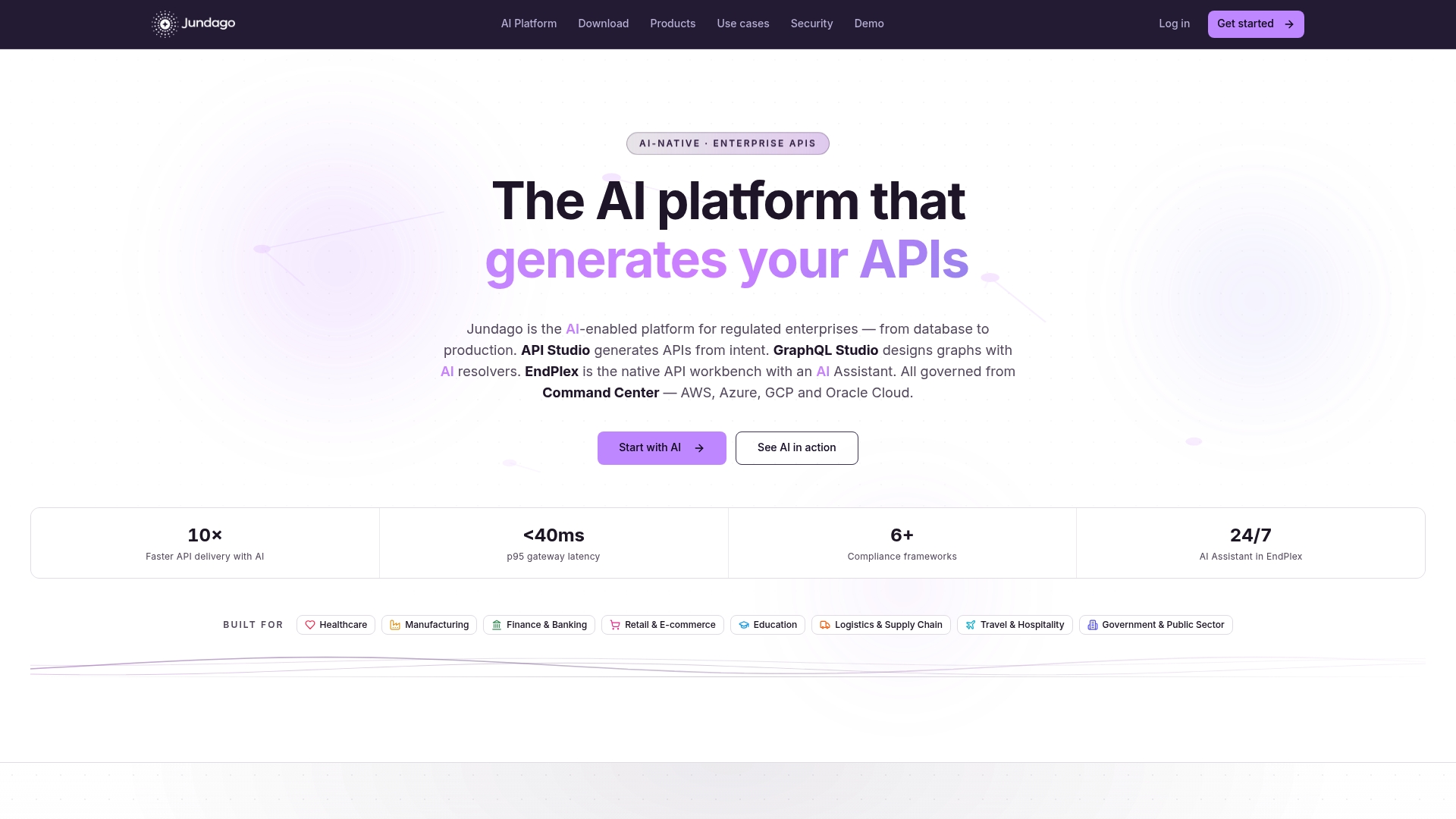
Jundago’s AI-native platform covers the full API lifecycle: natural language API generation (REST, GraphQL, gRPC, SOAP), automated testing and load testing via EndPlex, ETL/ELT integration studio, and governance enforced through Command Center across AWS, Azure, GCP, and Oracle Cloud. RBAC and ABAC are platform-level controls, not configuration options. Industry modules for HIPAA, PCI DSS, KYC/AML, and IEC 62443 ship ready to deploy, not ready to configure.
For regulated enterprises that need APIs built for their compliance environment from day one, request a demo at Jundago and bring your three most complex regulated integration flows to the conversation.
Useful sources for verification and next reading
Compliance verification:
- HIPAA overview — CDC
- Gartner Peer Insights: Workato alternatives in Business Orchestration and Automation Technologies
Pricing and product documentation:
Peer reviews and user feedback:
- Microsoft Power Automate reviews — G2
- Zapier reviews — G2
- Celigo reviews — G2
- Zapier reviews — Capterra
- Microsoft Power Automate reviews — Capterra
Industry analysis and alternative evaluations: