Converting HL7 V2 to FHIR: A Developer's Implementation Guide
Converting HL7 V2 to FHIR: A Developer’s Implementation Guide

Convert HL7 v2 to FHIR by treating the HL7 V2 to FHIR Implementation Guide as your canonical mapping source, running actual transformation through a template engine like Liquid or Handlebars, and wiring the whole thing into an orchestrated pipeline that validates every output against a FHIR validator before it hits production. That’s the entire strategy in one sentence. Everything else is execution detail, and there’s a lot of it, but the shape of the solution doesn’t change once you’ve built your first working prototype.
Before you write a line of transformation code, get these five things in place:
- Pull the IG’s Segment, Message, and DataType mapping spreadsheets, plus the ConceptMap outputs, from the IG index.
- Pick a template engine. Liquid (via the Microsoft FHIR-Converter) is the most battle-tested option; Handlebars works too if your team already knows it.
- Wire up a parser. Use HAPI’s HL7 v2 library if you’re on the JVM, or a comparable structured parser for your stack, to turn raw pipe-delimited messages into an addressable object model.
- Stand up a FHIR validator early, not as a final gate. Run it against every test conversion from day one.
- Grab a handful of real (de-identified) sample V2 messages from your own systems. Generic sample messages from the IG won’t expose the site-specific quirks that actually break your converter.
That checklist gets you a working prototype. Scaling it into production is where the rest of this guide comes in.
Key Takeaways
Converting HL7 v2 to FHIR works when the official Implementation Guide sets your mapping rules, a template engine handles transformation, and orchestrated validation catches errors before they reach production.
| Point | Details |
|---|---|
| Start with the IG’s artifacts | Download Segment, Message, and DataType CSVs plus ConceptMap outputs before writing any mapping code. |
| Pick a template engine early | Liquid or Handlebars templates handle the actual V2-to-FHIR transformation logic declaratively. |
| Sequence resource creation | Ensure Patient resources exist before Encounter or Observation resources reference them. |
| Validate before you deploy | Run every test conversion through the FHIR validator, not just your own unit tests. |
| Scale with governance in mind | Jundago’s orchestration, RBAC/ABAC controls, and automated testing support HL7 FHIR conversion pipelines once they outgrow a single-team prototype. |
Table of Contents
- What the HL7 V2 to FHIR Implementation Guide Actually Provides
- Mapping Artifacts, File Formats, and How CSVs Become ConceptMaps
- Mapping Rules: Conditions, Cardinality, and Vocabulary Decisions
- Building the Conversion Pipeline: A Step-by-Step Workflow
- How to Validate Every Conversion Before It Ships
- Common Pitfalls That Derail HL7 V2 to FHIR Projects
- Build Your Own Converter or Use a Managed Platform?
- Where Jundago Fits Into Your HL7 v2 to FHIR Project
- Sources
What the HL7 V2 to FHIR Implementation Guide Actually Provides
The IG is a mapping reference, not a converter you install and run. That distinction trips up more teams than any technical detail in the spec.
Published at version 1.0.0 as an STU1 (Standard for Trial Use) document, the guide provides a cumulative mapping framework connecting HL7 V2 message structures, segments, and data types to HL7 FHIR Release 4.0 resources. “Cumulative” matters here: the IG isn’t scoped to a single V2 version like 2.5.1 or 2.8. It aggregates mapping knowledge across the V2 family, so a mapping developed against one version’s PID segment generally holds for adjacent versions with only minor field-level adjustments.
The IG publishes several distinct artifact types, and you’ll need all of them, not just one:
- Message maps, which map entire V2 message types (ADT, ORU, ORM) to FHIR Bundle structures.
- Segment maps, which break individual segments (PID, PV1, OBX) down field by field into FHIR resource attributes.
- Data type maps, which handle the translation of V2 primitive and composite types into FHIR data types.
- Code system and vocabulary maps, expressed as ConceptMap resources, which translate V2 coded values into FHIR-compatible codes.
- Bundle profiles, which define how the individual mapped resources should be assembled into a valid FHIR Bundle.
The IG index makes clear this is a reference resource for building your own mapping logic, not a plug-and-play conversion tool. It hosts the mapping spreadsheets, ConceptMap profiles, and example conversions, explicitly framed as a cumulative mapping resource rather than a version-locked specification.
Treat the guide the way you’d treat a data dictionary from a strict vendor spec: authoritative, precise, and incomplete for your environment until you’ve layered your own site-specific rules on top. The IG’s own continuous build repository is explicit that custom Z-segments and local V2 deviations fall outside its scope. You will still need to author your own mapping logic for anything proprietary to your source systems.
Mapping Artifacts, File Formats, and How CSVs Become ConceptMaps
Everything in the IG originates as a spreadsheet before it becomes a computable artifact. Understanding that pipeline helps you know where to intervene when you need to customize a mapping.
The segment maps are authored from CSV files, and each row typically defines the FHIR target attribute, the expected data type, cardinality (whether the field is required, optional, or repeating), a URL pointing to the relevant data type mapping, a URL pointing to the relevant vocabulary map, and any special assignment instructions. When one V2 field needs to populate more than one FHIR attribute, the spreadsheet uses a $this label to signal that the same source value feeds multiple destinations.
Vocabulary and code system spreadsheets follow a parallel structure but focus on value translation instead of structural mapping. These get compiled into ConceptMap resources, which is FHIR’s native mechanism for representing “this code in system A equals that code in system B.” Once a CSV is finalized, it’s converted into a ConceptMap profile and published alongside the segment and message maps on the IG’s build site.
Here’s how the core artifact types break down in practice:
| Artifact Type | Typical Format | What You Must Supply |
|---|---|---|
| Message maps | CSV, published as FHIR Bundle profile | Message trigger event to FHIR Bundle structure logic |
| Segment maps | CSV with attribute/cardinality/data type columns | Field-level source-to-target assignment rules |
| Data type maps | CSV, referenced by URL from segment maps | Primitive and composite type conversion logic |
| Code system/vocabulary maps | CSV compiled into ConceptMap resources | Code system equivalence tables for local and standard vocabularies |
A note on where this gets messy: the IG’s published ConceptMaps cover common code systems, but your site almost certainly has local lab codes, local location codes, or a homegrown result-status table that isn’t in the standard mapping. You’ll author your own ConceptMap rows for those, using the same CSV-to-ConceptMap pattern the IG itself uses.
Mapping Rules: Conditions, Cardinality, and Vocabulary Decisions
Once you’re past the artifact structure, the real work is applying consistent rules across hundreds of individual field mappings. Get these wrong and you’ll spend more time debugging validator errors than writing conversion logic.
The mapping guidelines organize each spreadsheet row into three conceptual sections: the source V2 element, any conditions attached to it, and the HL7 FHIR target. A few rules show up constantly:
- Cardinality drives defensive logic. A field marked as optional in V2 doesn’t guarantee it’s populated in your actual message traffic. Your template needs to handle a null or empty value without throwing an error, especially for fields the FHIR profile marks as mandatory.
- The
$thislabel signals fan-out mapping. When a single PID field needs to populate both anIdentifier.valueand anIdentifier.system, the spreadsheet marks it with$thisto show the same source value feeding two destinations. - Data type mapping follows predictable patterns. V2’s DTM type converts to FHIR’s
dateTime,date, orinstantdepending on context, and this almost always requires reformatting into ISO 8601, since V2 date-time strings don’t natively match FHIR’s format. CWE and CNE composite types typically map toCodeableConcept,Coding, or plaincode, depending on how much of the coded value’s structure the target field needs to preserve. - Vocabulary mapping is a separate decision from structural mapping. Sometimes you map straight from an HL7 v2 table (like Table 0001 for administrative sex) to a FHIR-defined code system. Other times, especially for local lab or observation codes, you’re authoring your own Code System spreadsheet and compiling it into a custom ConceptMap.
Pro Tip: When a compound V2 field needs to populate multiple FHIR attributes, don’t try to solve it inline in your template with nested conditionals. Write a small helper function or partial template dedicated to that field, name it after the V2 field it decomposes, and reuse it everywhere that field appears across message types. It keeps your mapping logic auditable when someone else has to debug it six months later.
Building the Conversion Pipeline: A Step-by-Step Workflow
With the mapping rules understood, the actual build follows a fairly consistent shape regardless of which tools you choose.
- Intake and routing. Read the MSH segment first. Route the message based on message type and trigger event (ADT^A01 versus ORU^R01 need entirely different downstream logic) before any deep parsing happens.
- Parse into a structured model. Use a library like HAPI to turn the raw pipe-and-caret V2 string into an addressable object tree, rather than writing your own regex-based parser. HAPI understands V2’s escape sequences and repeating field syntax, which is easy to get subtly wrong by hand.
- Apply mapping templates. This is where Liquid or Handlebars templates, following the IG’s segment and data type maps, transform parsed V2 fields into FHIR JSON structures.
- Resolve vocabularies and identifiers. Run coded values through your ConceptMap lookups and resolve any identifier systems (MRNs, encounter numbers) to the correct FHIR
Identifier.systemURIs. - Orchestrate resource creation order. A Patient resource generally needs to exist before an Encounter resource that references it. Get this sequencing wrong and you’ll create broken references or duplicate patients.
- Assemble the FHIR Bundle. Package the individual resources into a properly typed Bundle, following the transaction or batch pattern depending on your target FHIR server’s requirements.
- Run the FHIR validator. Validate before you push anything downstream, not after.
- Push to the FHIR store or downstream API. Only after validation passes clean.
On architecture, three patterns dominate real deployments. A template engine wrapped in a containerized microservice is the most common pattern for teams that want a dedicated, independently scalable conversion service. A template engine embedded inside an ETL pipeline, such as Azure Data Factory invoking the $convert-data operation, suits teams that already run broader data integration workflows and want HL7 conversion as one step among many, as described in Microsoft’s guide to converting data with Azure Data Factory and FHIR. A containerized conversion API sits in between, exposing a REST endpoint that other services call synchronously.
For tooling, the Microsoft FHIR-Converter is the most widely adopted open-source option, using Liquid templates and shipping with default mappings for common message types. A Handlebars-based alternative from OneMedical takes a similar template-driven approach with a different templating syntax. If your organization is already invested in MuleSoft, the MuleSoft HL7 v2 to FHIR Converter template pairs with DataWeave, MuleSoft’s native transformation language, to express the same mapping logic in a different syntax that fits directly into existing Mule integration flows.

Pro Tip: Resource ordering is the single most common source of silent failures in production pipelines. If your Patient-creation step and your Encounter-creation step run in parallel for throughput, you will occasionally create an Encounter that references a Patient that doesn’t exist yet. Use idempotency keys tied to the message control ID, and consider a short-lived staging store that holds dependent resources until their prerequisites confirm as created. It costs you a bit of latency; it saves you a lot of 3 a.m. paging.
How to Validate Every Conversion Before It Ships
A converter that passes your unit tests but hasn’t been run against a real FHIR validator is not tested. It’s untested code with a good feeling attached to it.
Structure your test suite across three tiers. Unit tests for templates check that a single template, given a known V2 fragment, produces the exact expected FHIR JSON snippet. Integration tests for end-to-end conversions feed a complete V2 message through the whole pipeline and assert on the resulting Bundle. Contract tests for FHIR resource shapes confirm that the resources your pipeline emits actually match the FHIR profiles you’ve committed to support, independent of what specific message triggered them.
Run every output through the official FHIR Validator, and don’t treat it as a formality. Practitioners consistently point to early, automated use of the validator as the fastest way to catch missing mandatory fields or data type mismatches that mapping rules quietly introduce. Three sample test cases cover most of the ground you’ll need for an initial validation suite: an ADT patient create and update, exercising Patient resource lifecycle logic; an ORU lab observation message with coded results, exercising vocabulary mapping and Observation resource structure; and an order message mapped to a ServiceRequest, exercising quantity and timing (TQ) component translation.
| Error Category | Likely Cause | First Diagnostic Step |
|---|---|---|
| Missing mandatory field | Source V2 field was empty or template lacked a fallback | Check cardinality rules against actual message content |
| Invalid code / terminology binding | ConceptMap lookup failed or used wrong code system | Trace the vocabulary map URL back to its source spreadsheet |
| Data type mismatch | DTM or composite field not reformatted before assignment | Confirm ISO 8601 conversion logic ran before Bundle assembly |
| Reference resolution failure | Dependent resource (Patient) not created before referencing resource | Review orchestration order and idempotency keys |
Iterate on real message samples, not synthetic ones, wherever your compliance environment allows it. Synthetic test messages tend to be suspiciously well-formed compared to what your actual interface engines produce in production.
Common Pitfalls That Derail HL7 V2 to FHIR Projects
Most conversion failures trace back to the same handful of root causes, and open-source converter maintainers say this consistently: both Microsoft’s and OneMedical’s projects note that template failures usually stem from inconsistent or nonstandard source data, not from the template engine itself.
The recurring failure points look like this:
- Inconsistent source data. Different sending systems populate the same V2 field differently, even within one hospital network, and your mapping needs to tolerate that variance rather than assume textbook formatting.
- Missing mandatory FHIR fields. A field that’s optional in V2 might map to a field FHIR profiles require, and your template needs an explicit fallback or default rather than silently producing an invalid resource.
- Code system mismatches. Local lab codes, custom status values, and site-specific tables don’t exist in the IG’s standard ConceptMaps, and you’ll produce invalid codes until you author your own vocabulary mappings.
- Date and time reformatting errors. V2’s DTM format and FHIR’s ISO 8601 requirement look similar enough to cause bugs when someone assumes they’re interchangeable.
- Mishandled custom Z-segments. Proprietary, site-specific segments have no standard mapping anywhere, and teams either ignore them (losing data) or bolt on ad hoc logic without documenting it.
Best practices that actually prevent these problems: canonicalize your code systems as early in the pipeline as possible, before mapping logic ever touches them; build defensive template logic that assumes optional fields will sometimes be empty; log every rejected or partially-failed mapping somewhere a human will actually see it; and version your mapping spreadsheets and templates the same way you’d version application code, since mapping rules change as source systems evolve.
Pro Tip: For Z-segments, the decision between mapping to a FHIR Extension versus a dedicated profile field comes down to reuse. If the data is genuinely one-off and specific to a single interface, an Extension is faster and keeps your core profiles clean. If multiple source systems send a similar custom field, or if downstream consumers need to query on it reliably, invest in a proper profile field instead. Extensions that quietly become load-bearing infrastructure are a maintenance trap.
Build Your Own Converter or Use a Managed Platform?
There’s a real tradeoff here, and pretending otherwise does a disservice to teams evaluating their options.
Building your own pipeline with HAPI, a template engine, and a hand-rolled orchestration layer gets you to a working prototype fast and gives you total control over every mapping decision. For a team with one or two source systems, tight integration requirements, and deep in-house HL7 expertise, that speed and control is often the right call. You know your Z-segments better than any vendor does, and a lean custom pipeline avoids the overhead of learning a new platform.
Where that calculus flips is scale. Once you’re running conversions across multiple hospital systems, multiple V2 versions, and multiple FHIR endpoints, each with its own compliance and access-control requirements, the coordination burden of a DIY pipeline grows faster than most teams expect. Resource-ordering bugs, ConceptMap drift between environments, and inconsistent validation coverage tend to surface exactly when you’ve scaled past the point where a small team can manually babysit every conversion job.
That’s the gap a managed API platform is built to close. Orchestration, governance, and automated testing aren’t separate concerns from the mapping logic itself. They’re the difference between a converter that works in a demo and one that survives a multi-facility rollout with an audit trail attached. Teams that need multi-cloud deployment, role-based access controls across departments, and built-in compliance tooling for healthcare data generally reach a point where hand-maintaining that infrastructure costs more than adopting a platform designed for it.
There’s no universal right answer here. The honest framing is that DIY buys you speed and precision on a small scope, and a platform buys you durability and governance at scale. Most teams that start with a custom prototype eventually hit the scaling wall and reconsider.
Where Jundago Fits Into Your HL7 v2 to FHIR Project
If you’ve built a working prototype using the IG’s mapping spreadsheets and a Liquid or Handlebars template engine, the next hard problem isn’t the mapping logic. It’s everything around it: orchestrating resource creation order at scale, enforcing access control across teams that shouldn’t see the same patient data, and running iterative validation without a human babysitting every deployment.
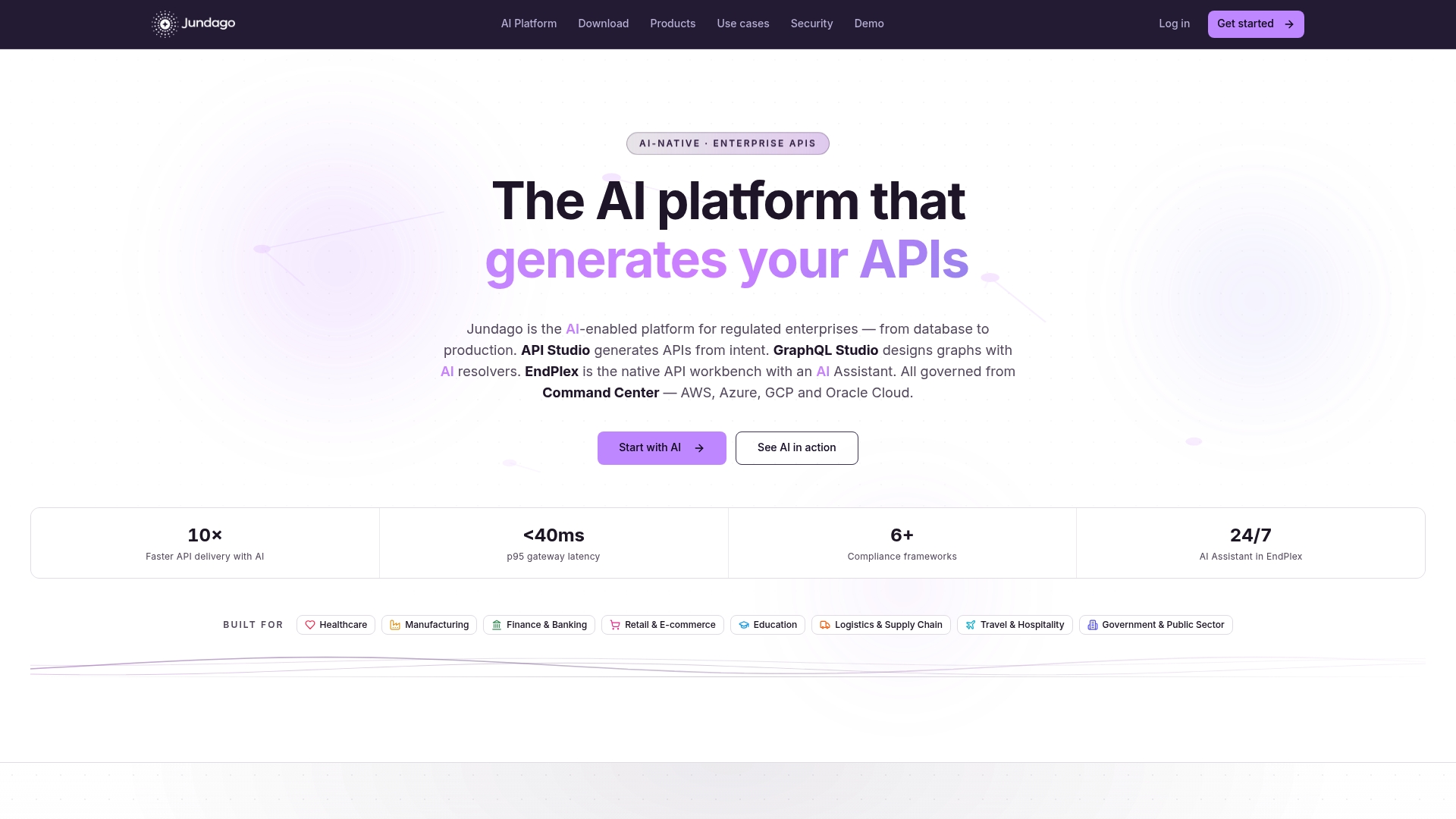
Jundago’s platform is built for exactly that layer of an HL7 FHIR implementation guide project. Its integration studio handles ETL and ELT workflows between EDI, database, and API sources, which covers the orchestration work your conversion pipeline needs once it’s moving beyond a single source system. API Studio and EndPlex bring automated testing and debugging into that same workflow, so validation against the FHIR validator becomes a repeatable step in your pipeline rather than a manual check someone remembers to run. RBAC and ABAC security controls handle the access governance that healthcare data demands, and Command Center coordinates deployment across AWS, Azure, GCP, or Oracle Cloud without locking you into one vendor’s healthcare stack.
The practical next step: get your prototype working with the IG’s artifacts and a template engine first, prove the mapping logic on real message samples, and once you’re evaluating what orchestration and governance your rollout actually needs, take a look at the Jundago platform to see how it handles that layer for regulated healthcare integrations.
Sources
Bookmark these before you start building, since you’ll return to them repeatedly during mapping work:
For your first prototype, download the segment CSVs for whatever message types you’re converting first (ADT and ORU cover most initial use cases), the corresponding message maps, the ConceptMap outputs for any standard vocabularies you use, and a set of real, de-identified sample V2 messages from your own environment. Everything else follows from getting those five artifacts right.